SEASON & WEATHER TOOL
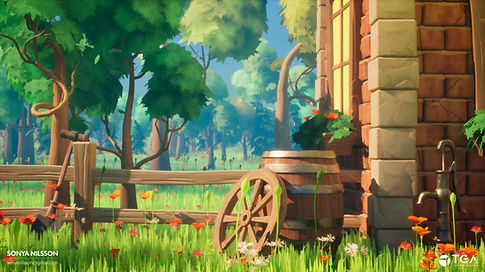
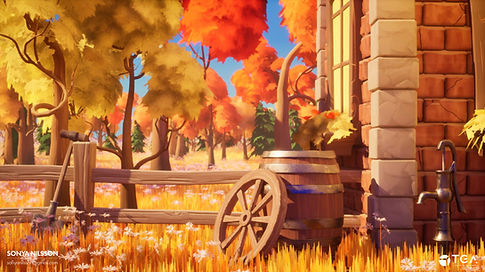
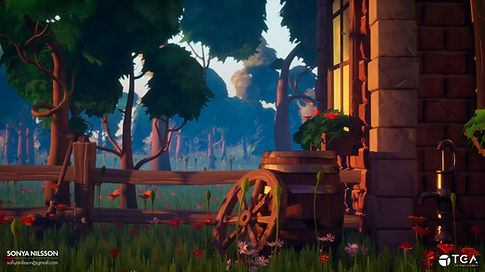
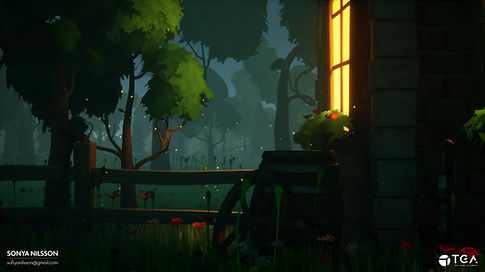
The Seasons & Weather Tool is a blueprint-driven environmental system designed to enable real-time customization of seasons and atmospheric conditions within Unreal Engine 5.
The primary goal of this project was to create a tool that supports environment artists during development by providing an improved way for the evaluation of assets, materials, and lighting setups across multiple seasonal and weather scenarios.
This project was created during a 2-week period (spring 2026).
Unreal Engine 5 - Blueprint-driven weather & seasonal system
PROJECT OVERVIEW
This project is a Blueprint-driven environmental tool that enables real-time switching between seasons and weather states through a custom UI interface in Unreal Engine 5.
The system dynamically modifies:
-
PCG graphs
-
Material Parameter Collections
-
Niagara Systems/Niagara Parameter Collections
-
Directional Light
-
Skylight
-
SkyAtmosphere
-
Exponential Height Fog
The goal was to create a scalable tool that allows environment artists to quickly evaluate assets across multiple seasonal and atmospheric conditions without manually adjusting scene components.
The system works both as a tool inside the editor and as a functional system suitable for gameplay. For demonstration purposes, a custom UI was developed to expose and control the system’s parameters in real time.
UI & REAL-TIME CONTROL
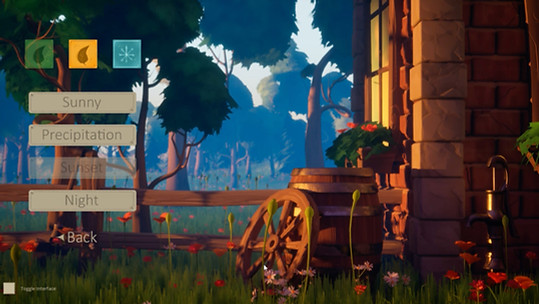
Final UI in-game
The environment is controlled through a UI that defines rules for how seasons and weather states interact.
By pressing on the different seasons and weather buttons, the system stores the index of the pressed button and reacts accordingly by changing the environment to the desired result.
When the user interacts with the UI, multiple events are notified to start to change the scene to a new environment state.
A key design challenge was to make sure the rules of the tool were logical behind the scenes across the seasons and weather conditions, for example making sure a specific snow menu was only available if the user had interacted with the winter season menu.
WEATHER SYSTEM
The weather blueprint is built on a layered system that has main and secondary switches. The main switches use the incoming user input to activate a chain of events, where smaller switches get triggered to apply new settings to actors in the scene. The reason this system was needed for this project was to make sure the blueprint was as easy as possible to debug, as well as to expand if needed.
The initial setup of the weather system did not include a real-time update of the scene when a user interacted with the weather UI. To solve this problem, Event Dispatchers were implemented to trigger the weather events each time there was an interaction with the UI.
When a season changes: The dispatcher sends a signal → The weather function re-evaluates conditions → All relevant systems update instantly.

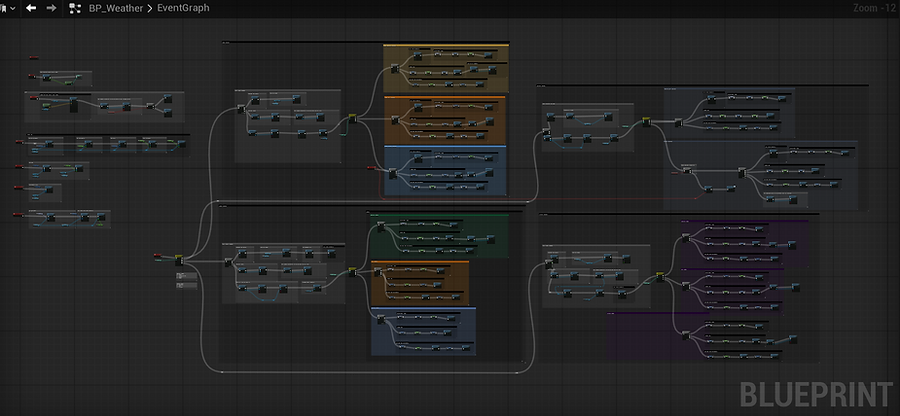
Weather Blueprint
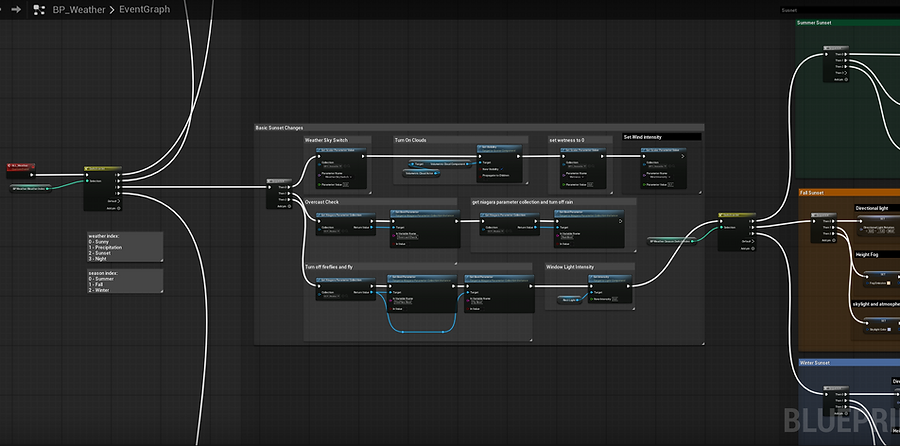
A close-up inside the weather blueprint that shows the initial weather switch branching into the different selections. The blueprint then implements the overall weather changes that affect all seasons, further following into another switch that checks for the season index and makes changes based on the selected season in the UI.
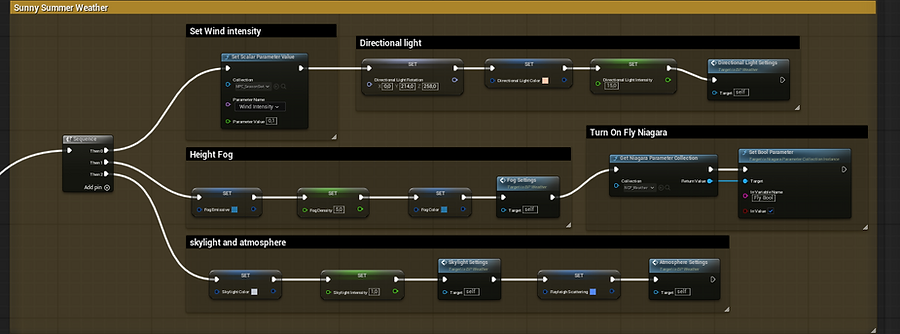
Specific Summer Sunny state settings that were tweaked to get a custom look for the selected season and weather. This set up was replicated for each weather + season variation.
MATERIALS & ASSETS
All environmental assets use Master Materials built around a shared switch logic, which is based on the index of the active season at a given moment. As mentioned earlier, when a user presses a season button, the index of the pressed button is stored in a variable that is connected to multiple systems, including the Material Parameter Collection.
Inside each material, an "if statement" was set up that checked what season was active through the MPC, giving different results based on the index input. This way I was able to switch the different textures and colors inside materials for different season states without switching out a whole material each time.
For some examples, this system was used for:
-
Foliage
-
Ground Material
-
Niagara particle systems
-
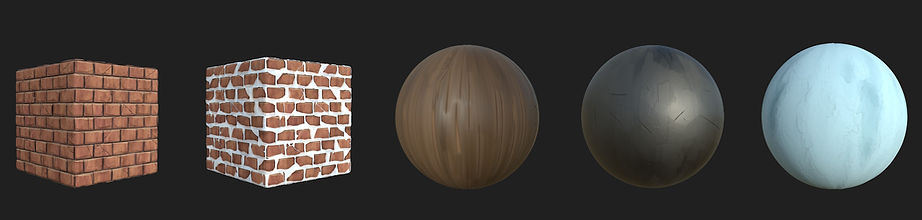
To change the house material between the normal and snowy texture
-
To change the roughness amount of assets during rain
-
Adding normals-based snow on top of the albedo texture
-
Exponential Height Fog
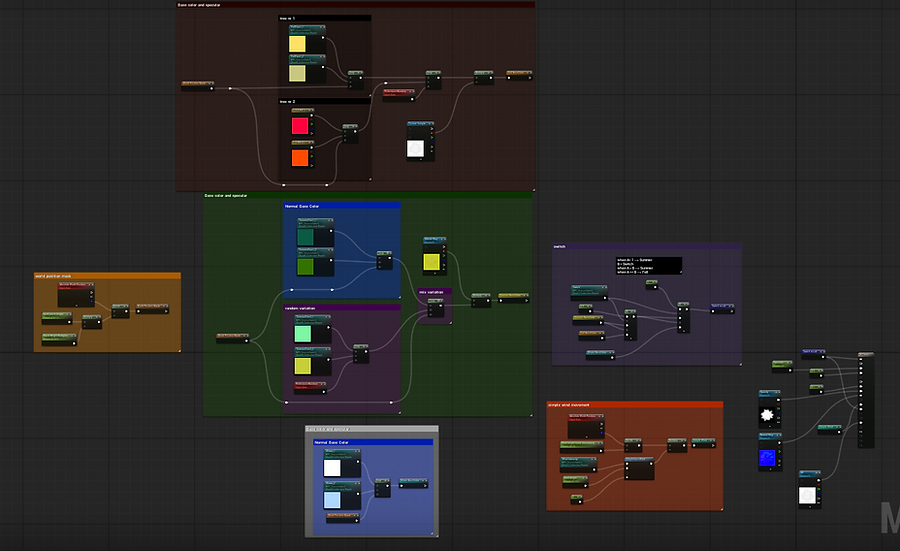
Tree Leaf Material
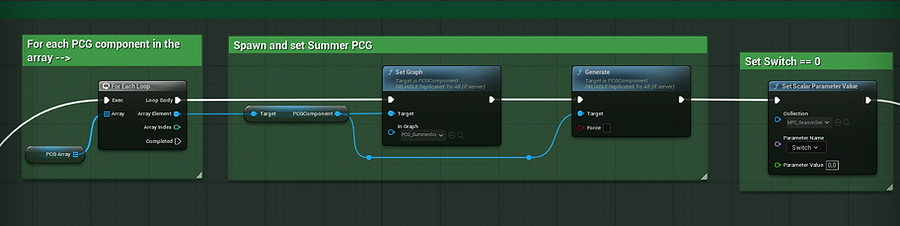
Season BP: Here I change and generate a new PCG based on the selected season as well as set my season switch in the material parameter collection that is responsible for changing the colors/textures across my materials.
PRODUCTION PIPELINE
-
Foliage: Procedural generation using SpeedTree and Blender Geometry Nodes
-
Hero assets: Modeled in Blender
-
Materials: Created in Substance Designer and Unreal Shader Graph
-
Environment population: PCG-driven
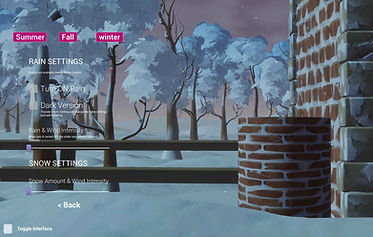
UI First Iteration
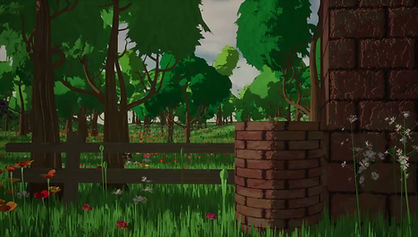
Work In Progress Timelaps
FINAL RESULTS